
The English dictionary that works offline
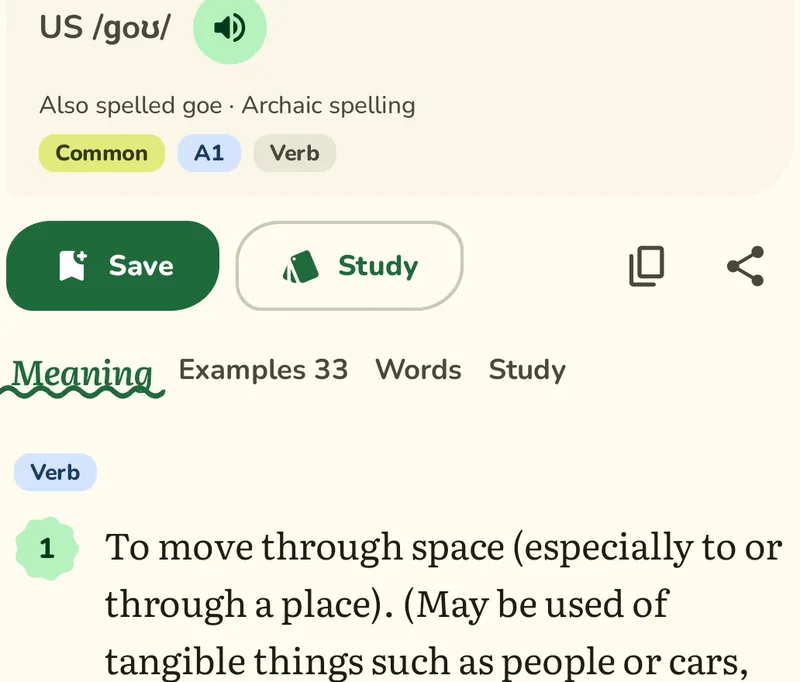
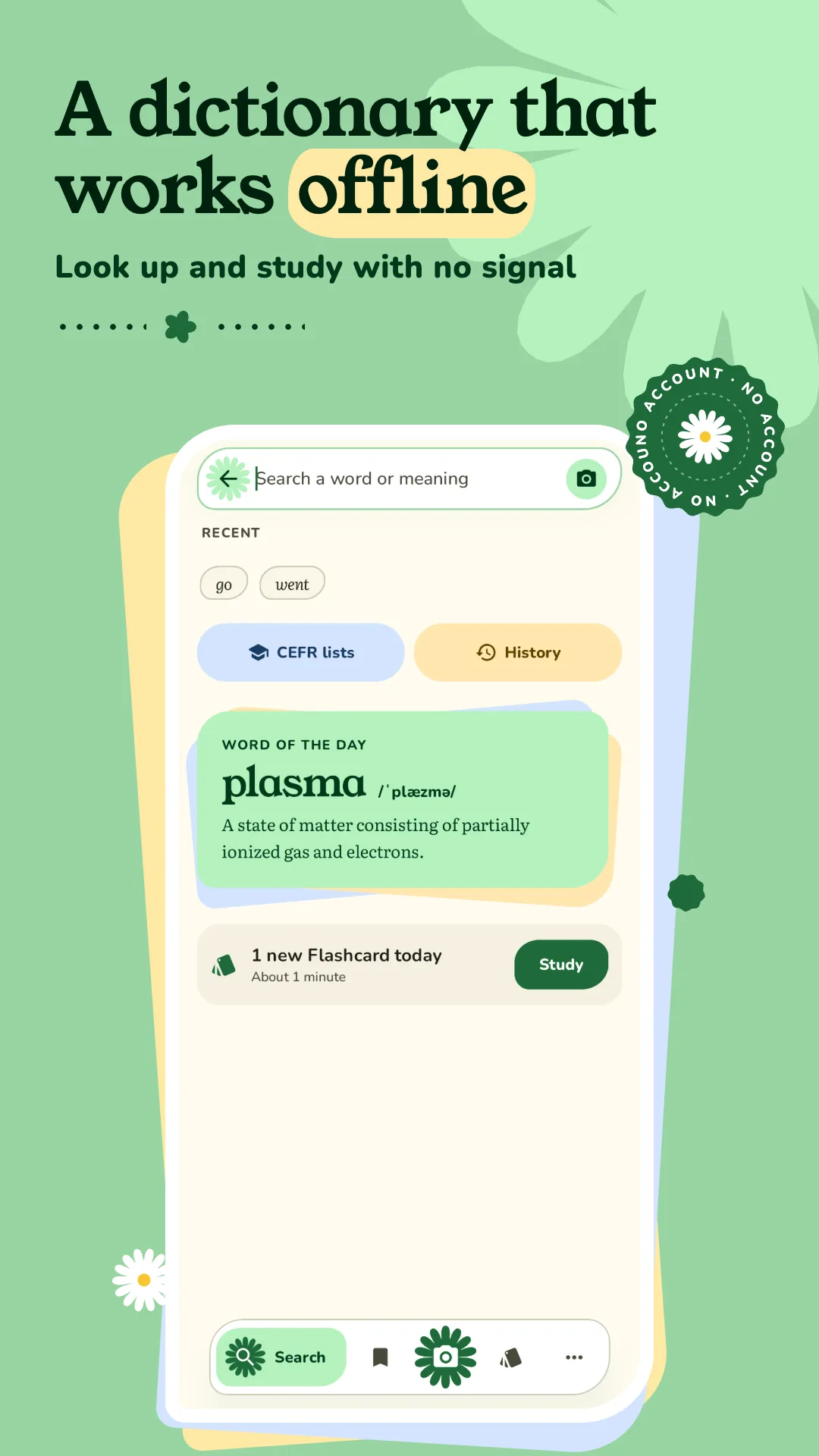
Type a word, select it in any app or point your camera at it. You get the common meanings first, American and British pronunciation, and you can save it to study later.
No account needed
go
US ɡoʊ · UK ɡəʊ
to move or travel
What you get
-
Works offline
The whole dictionary is saved on your phone, so a search works the same with no signal.
-
Look it up any way
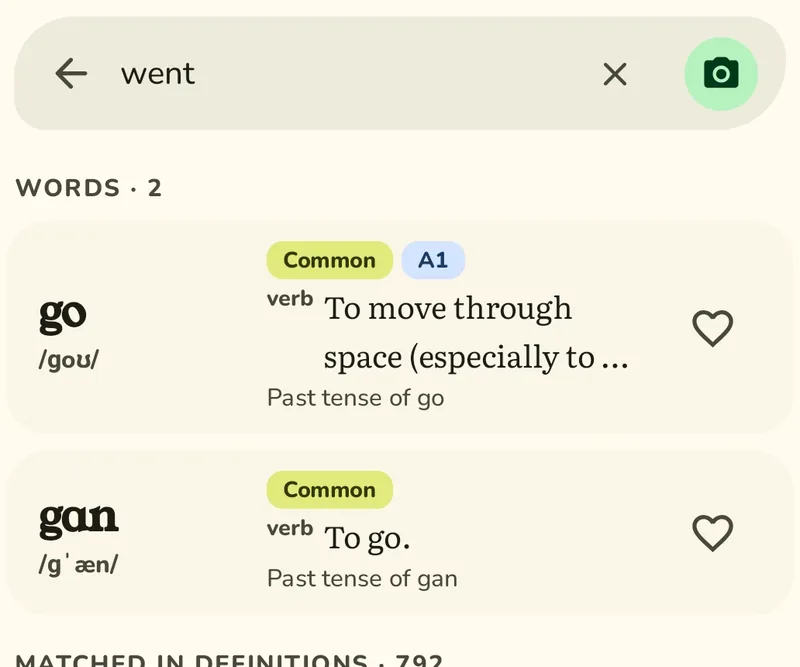
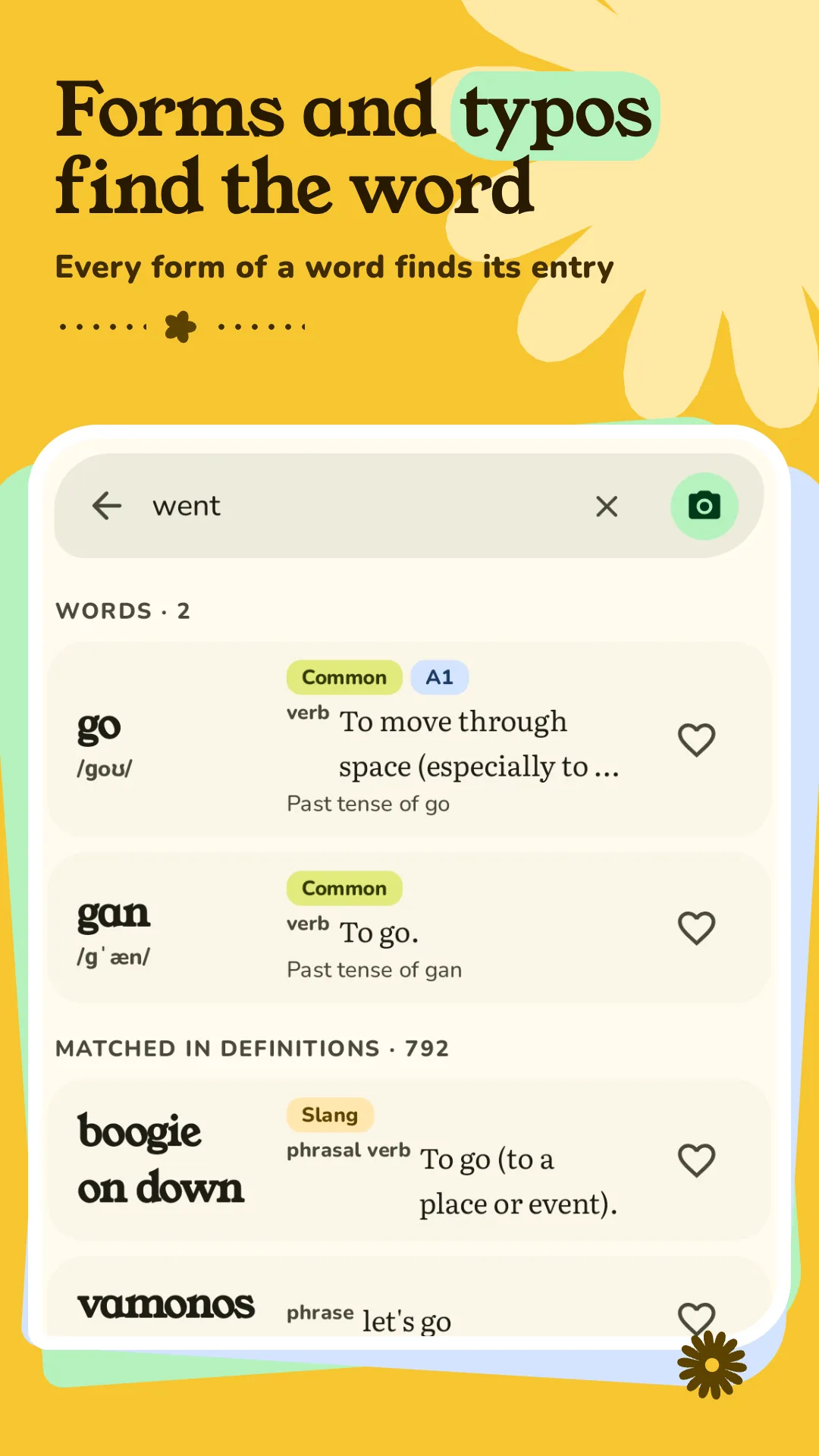
Type a word — went, goes or going all reach the same entry — and a small typo still finds it. Select text in any app and look it up in Folio, or point your camera at a page.
-
Said out loud
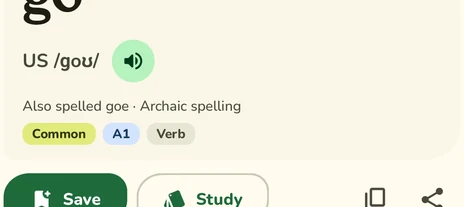
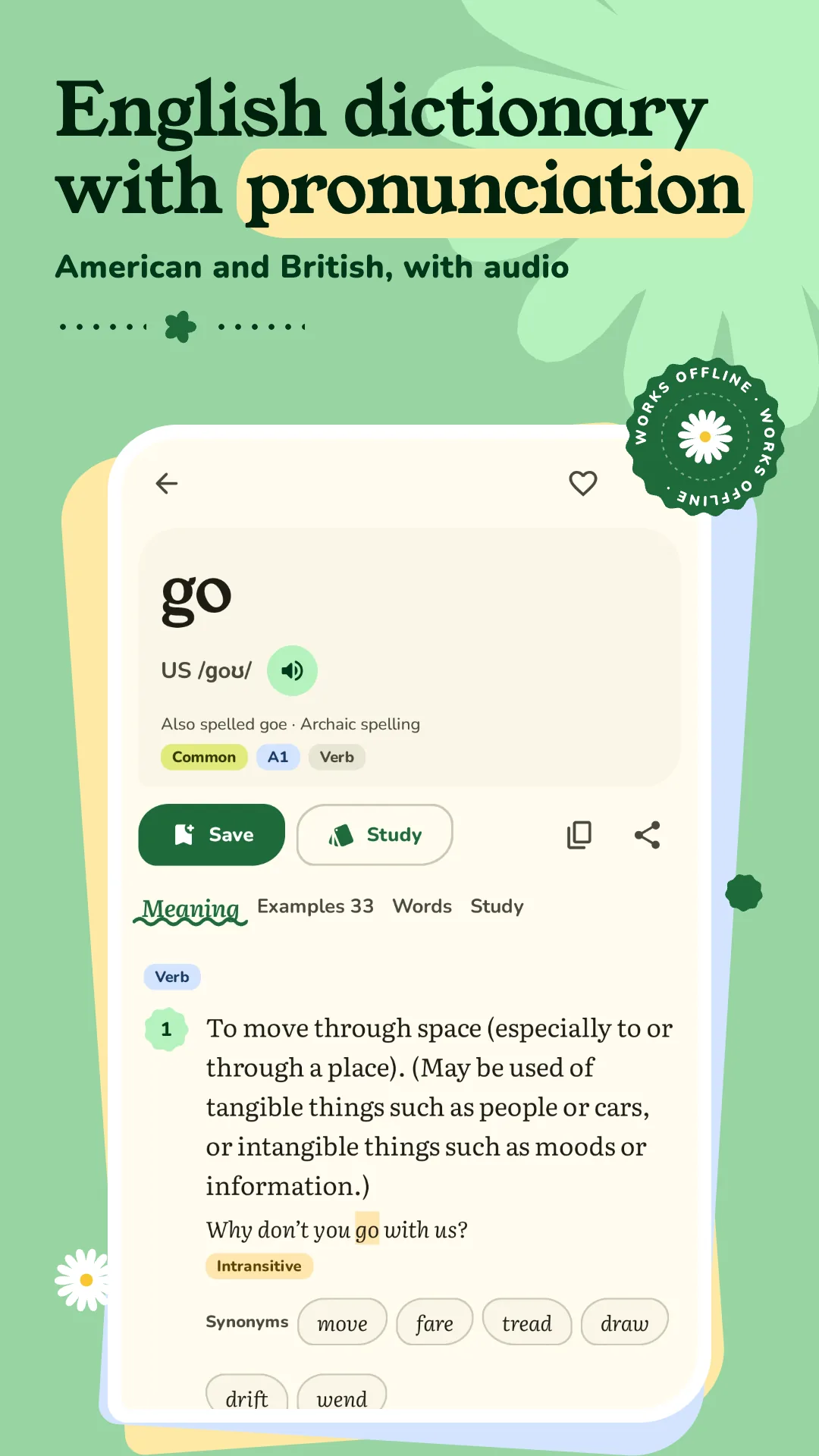
Hear every word: the American and the British pronunciation, with audio.
-
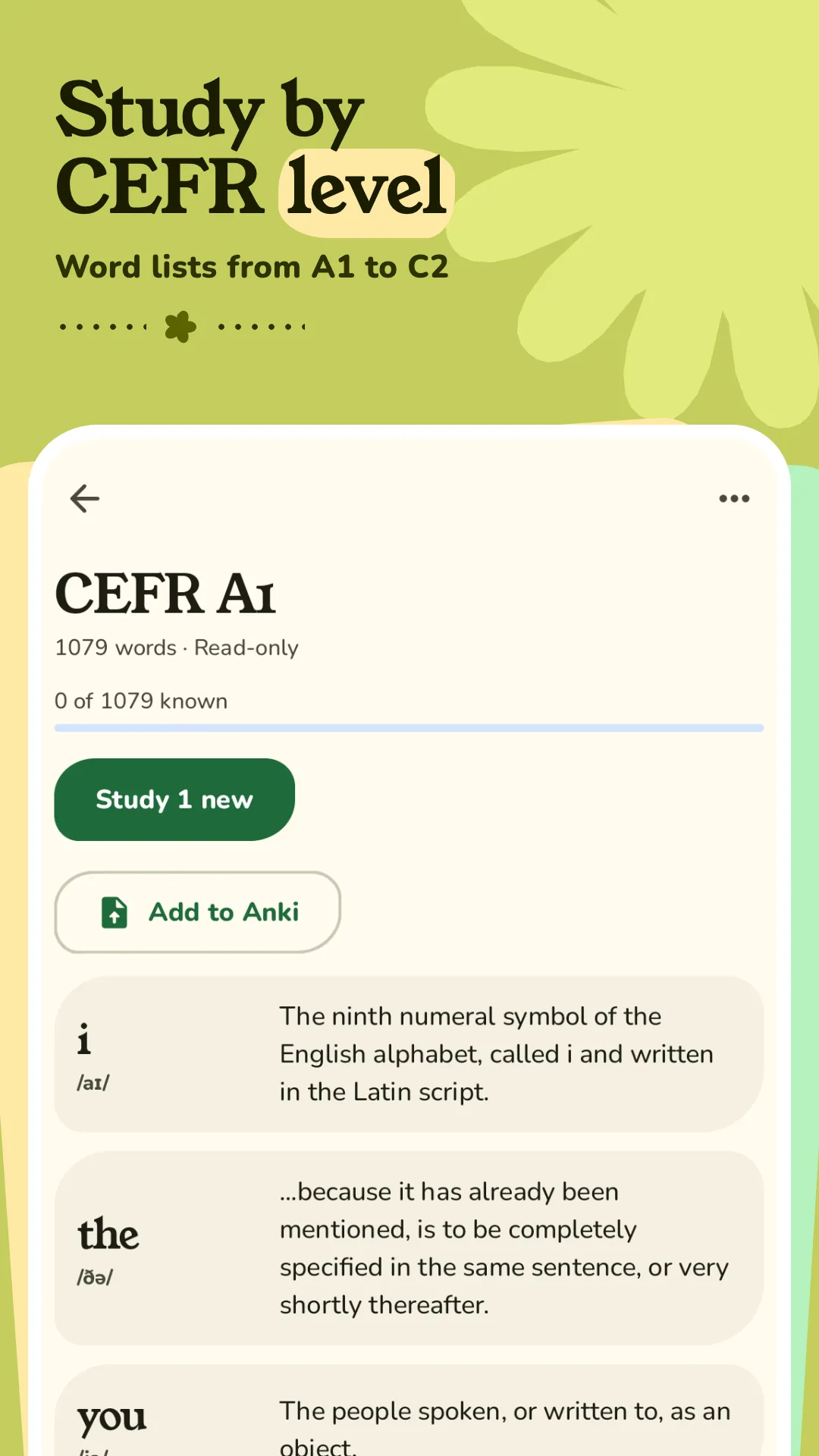
Study by CEFR level
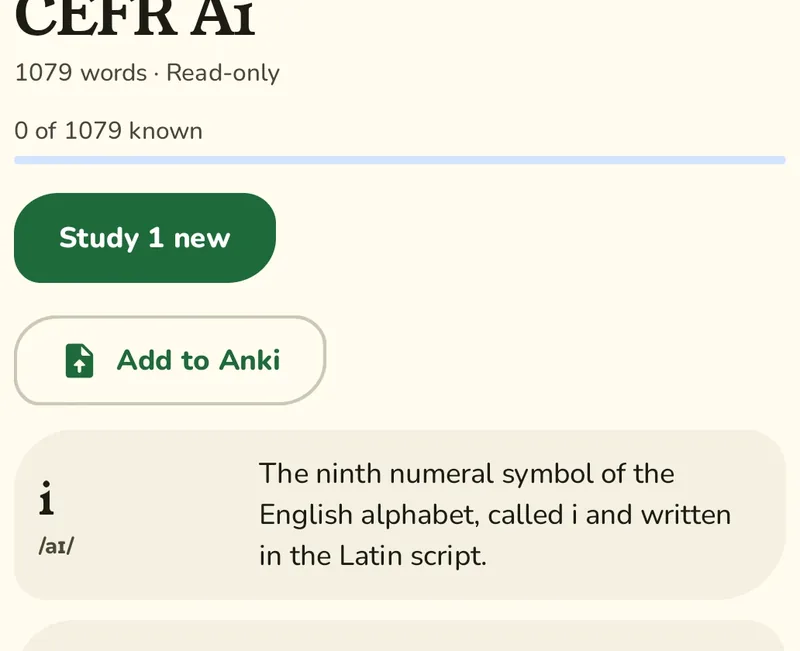
Every word is marked with its level from A1 to C2. Study the word lists level by level, at your pace.
-
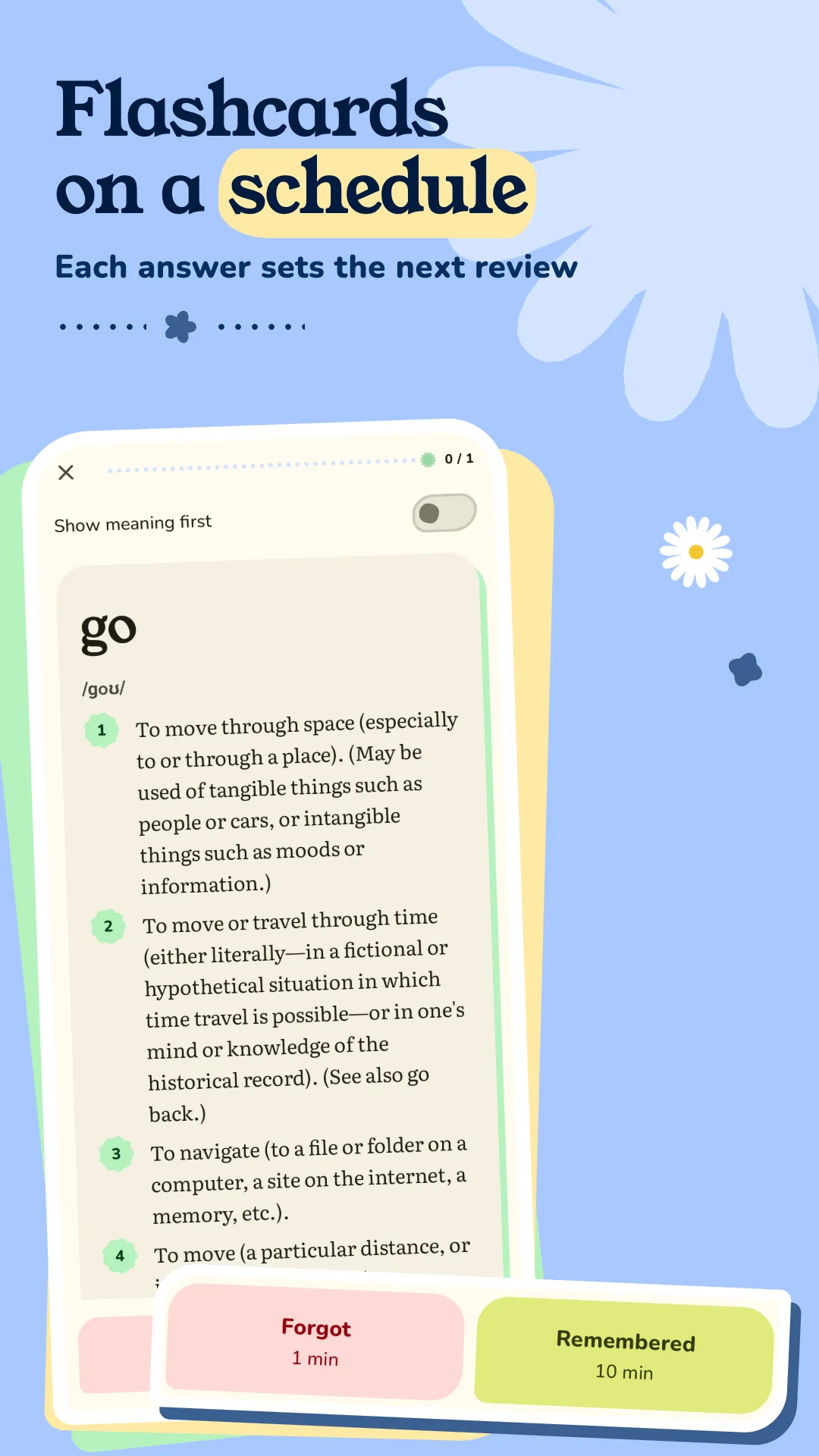
Save it and study it
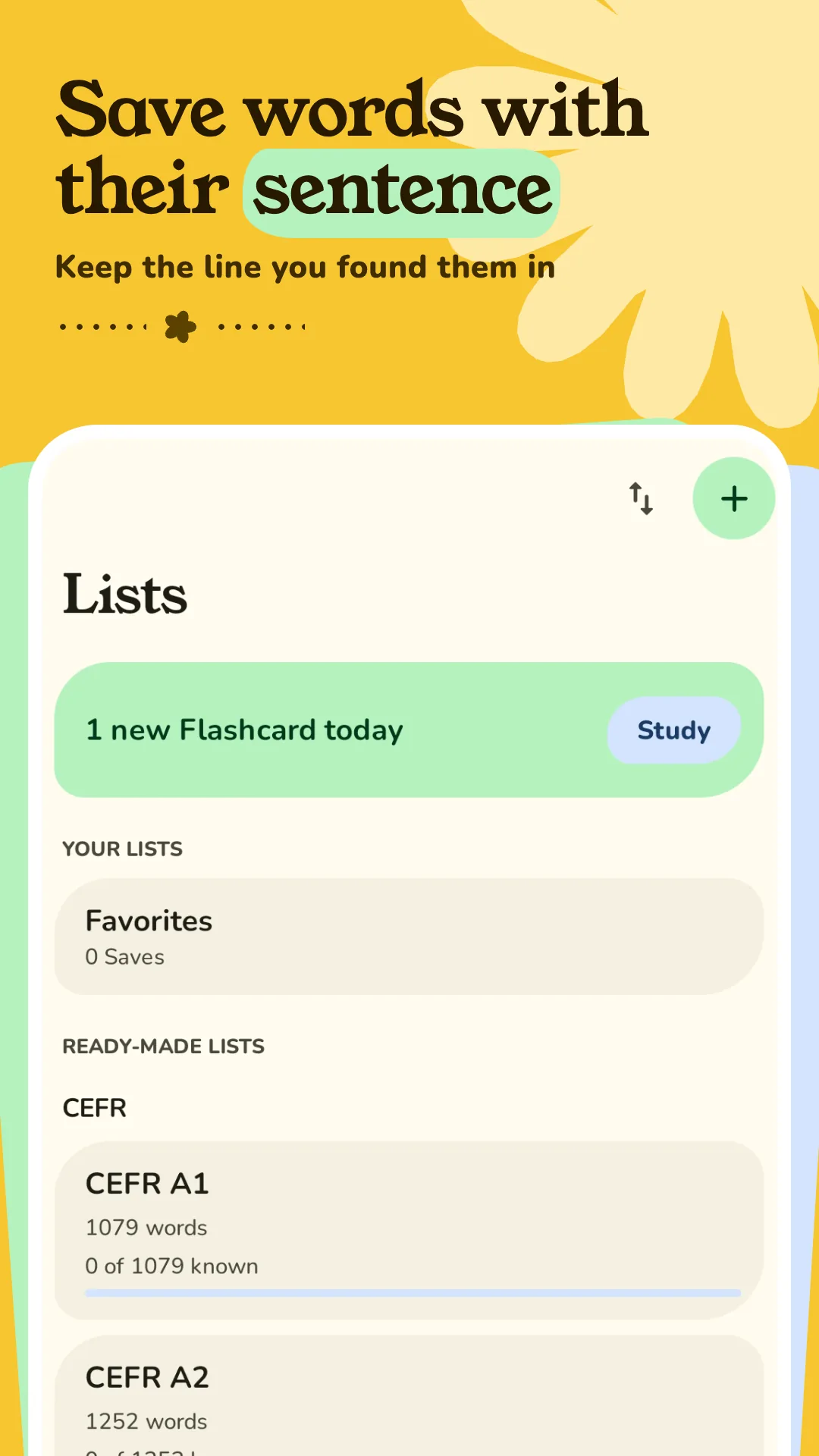
Save a word together with the sentence you found it in. Flashcards schedule each review for you, and you can choose how many new words to learn per day.
- Saved lists
- New words per day
- Send to Anki
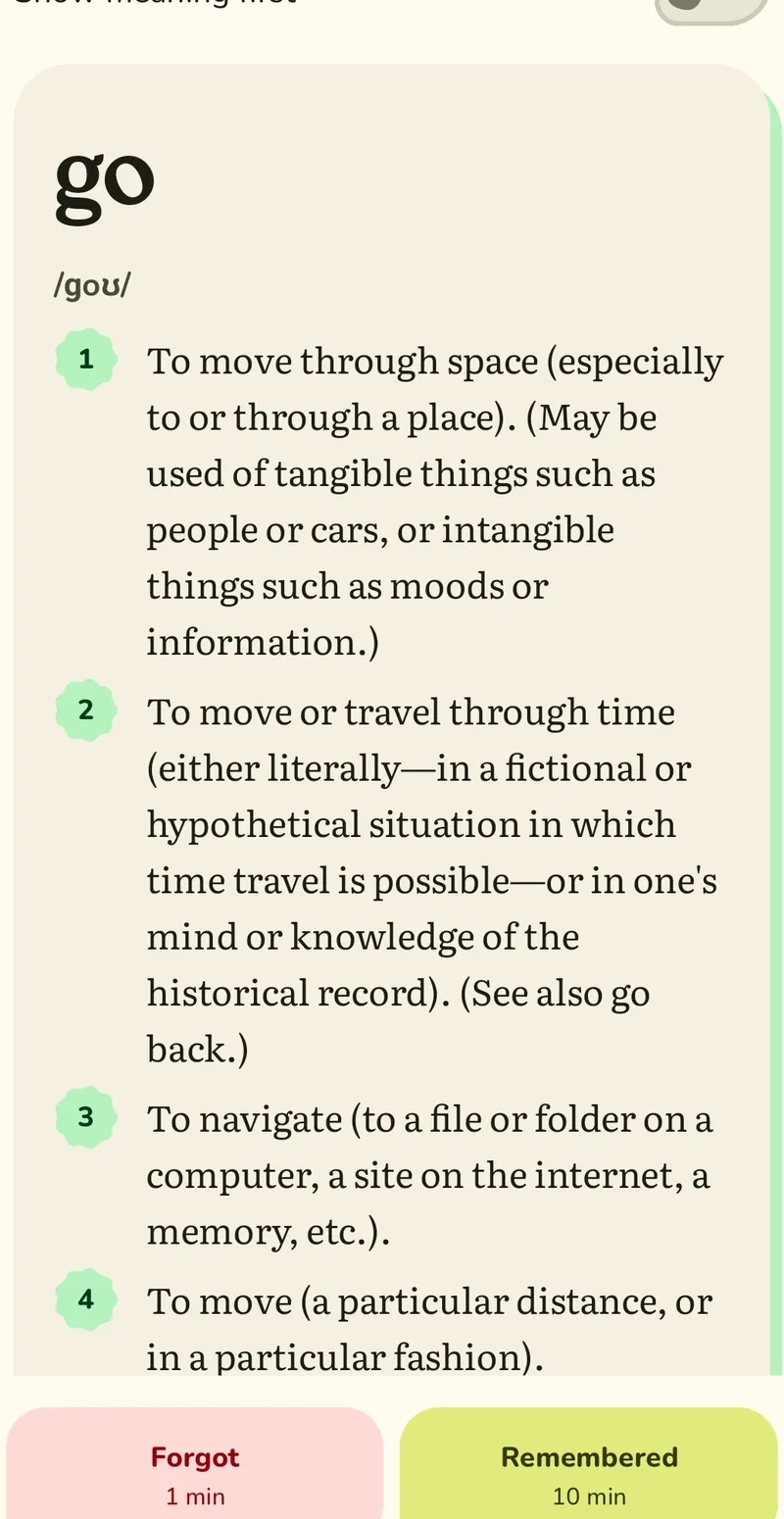
-
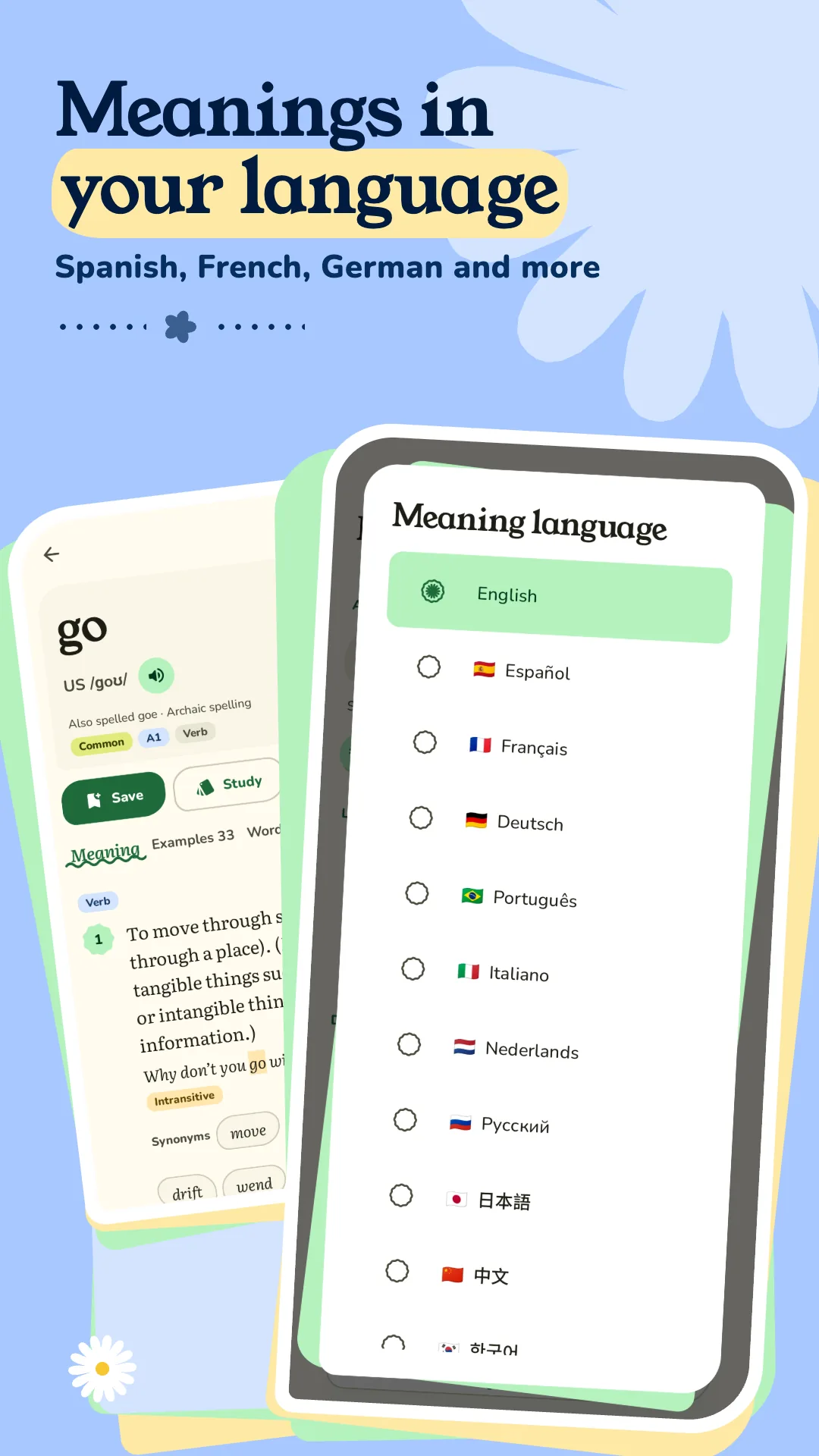
Meanings in your language
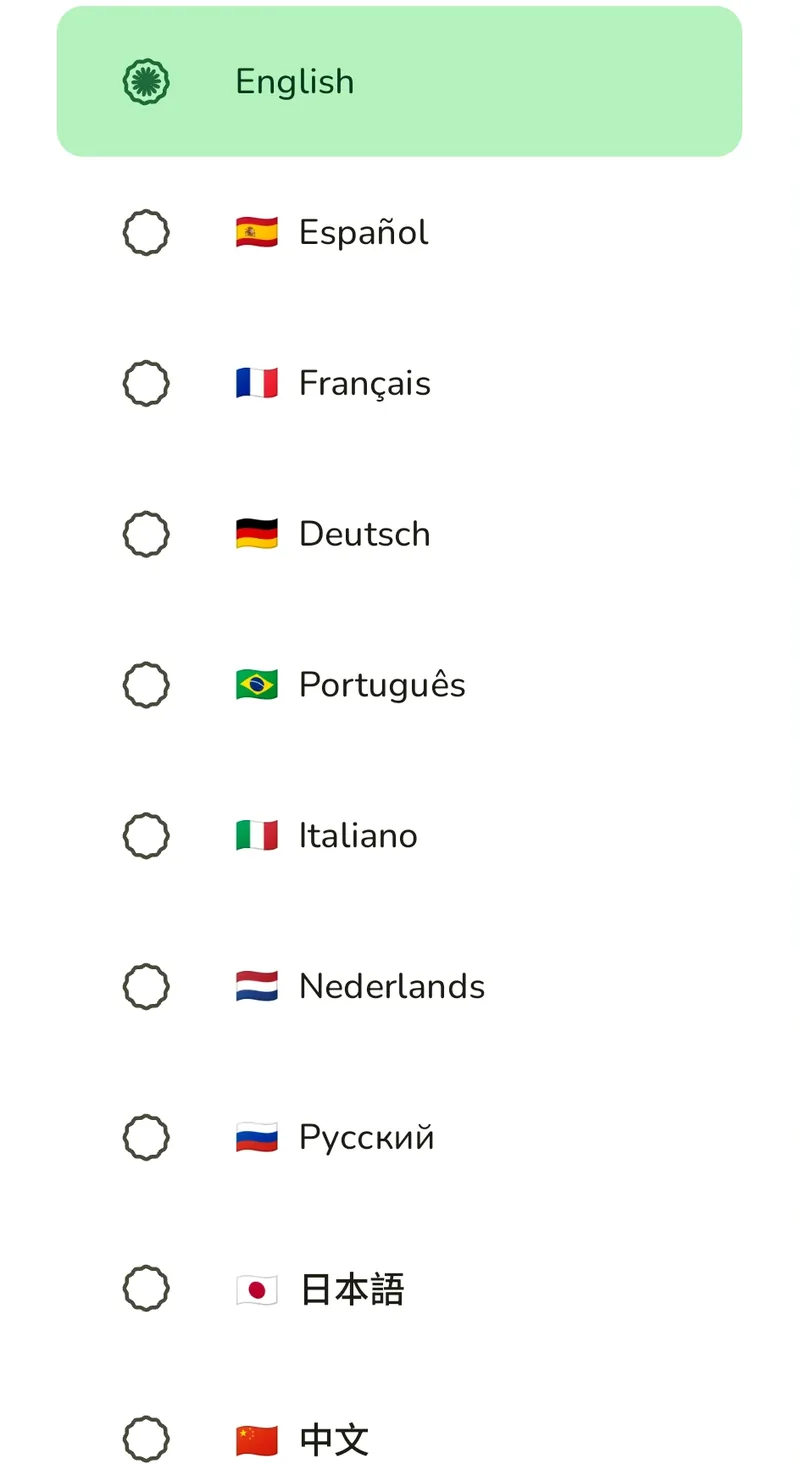
English is built in. Download a Pack of meanings in Spanish, French, German and more. Your language’s meanings are searched first, and English is the fallback.
See the screens
The store pictures, with real screens from the Android app. Tap one to open it full size.
What you look up stays on your phone
No account
Open the app and search. There is nothing to sign up for.
Saved on your phone
Your searches, photos, lists and flashcards stay on your phone.
Crash reports, and usage data only if you switch it on
The app sends crash reports so we can fix crashes. Usage data is off until you turn it on with the Share usage data switch in More, under Privacy.

Ready for the next word you meet
Folio is on Google Play, for Android.
No account needed